| App | Ships with | Works with no keys | Needs credentials for |
|---|---|---|---|
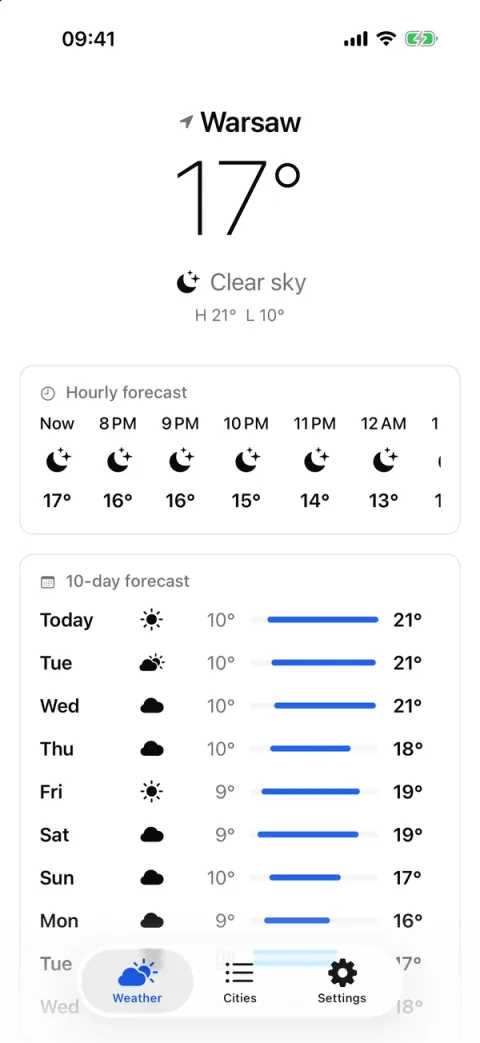
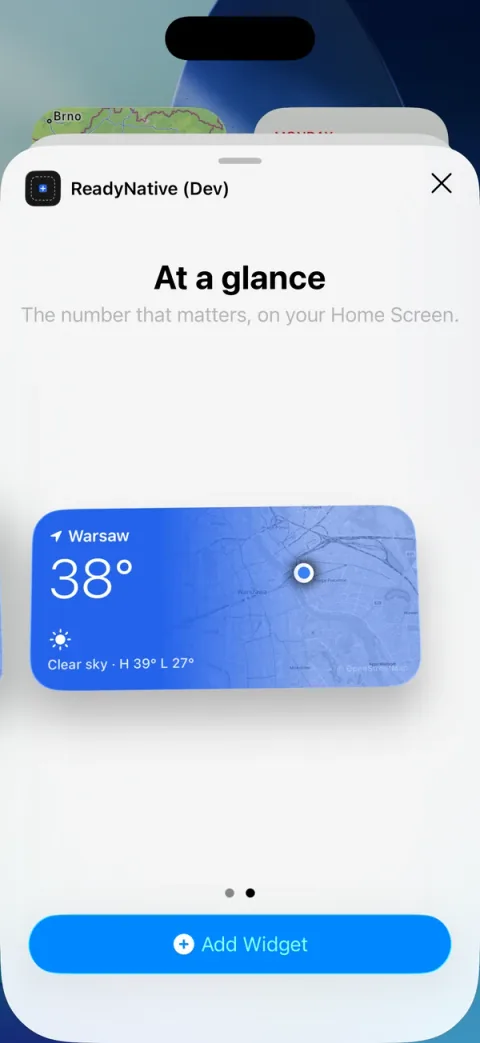
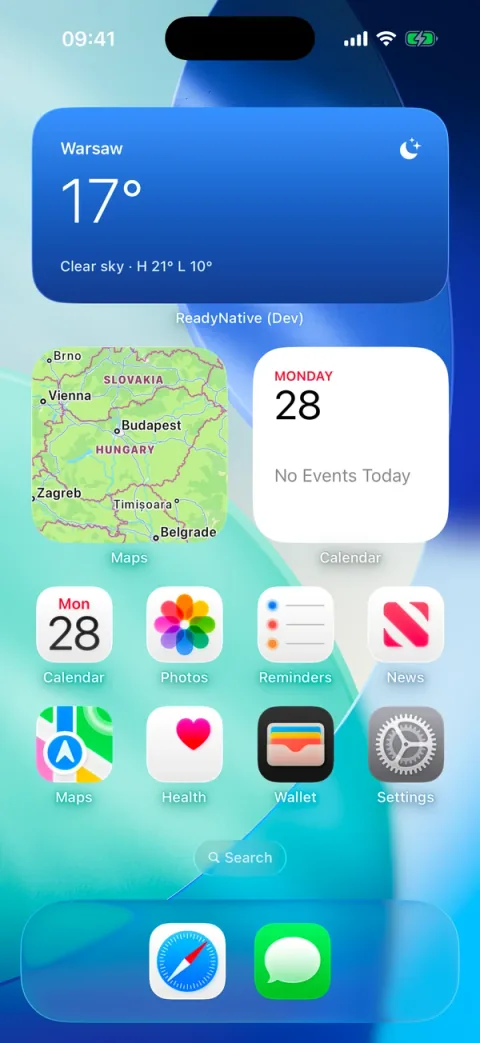
| Weather | Starter and Pro | Everything, including the forecast, city search and the widget. | Nothing. Open-Meteo is keyless. |
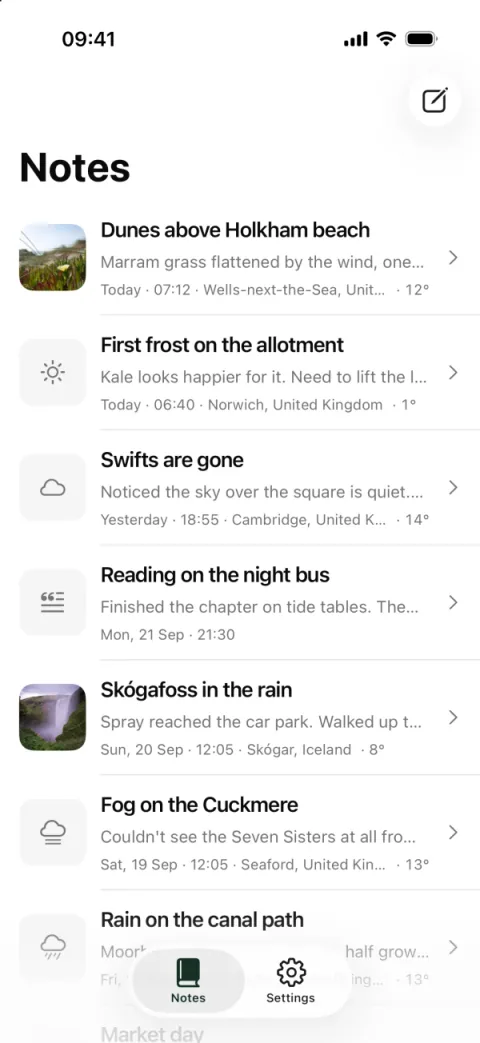
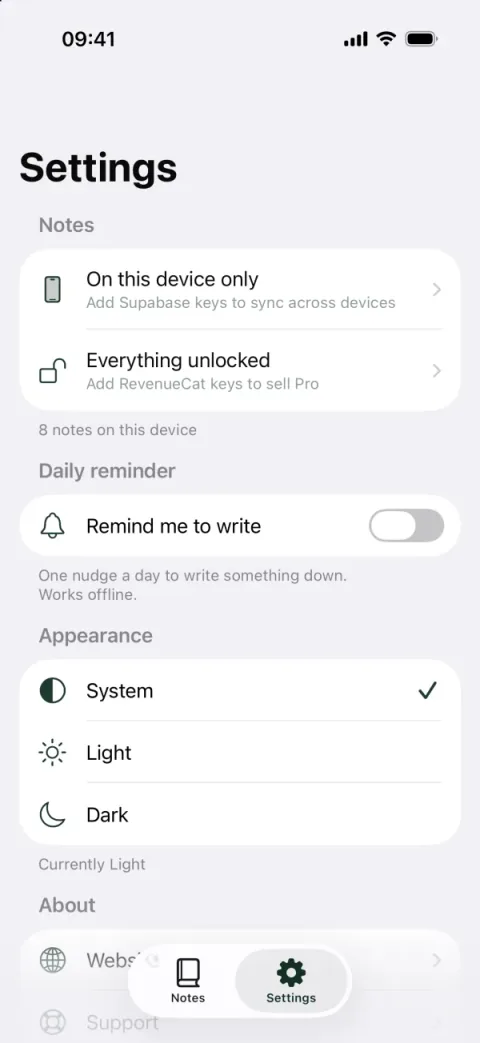
| Field Notes | Pro | Notes, photos, search, reminders and the Where I am stamp. | Accounts and sync, the paid gate, analytics and crash reports. |
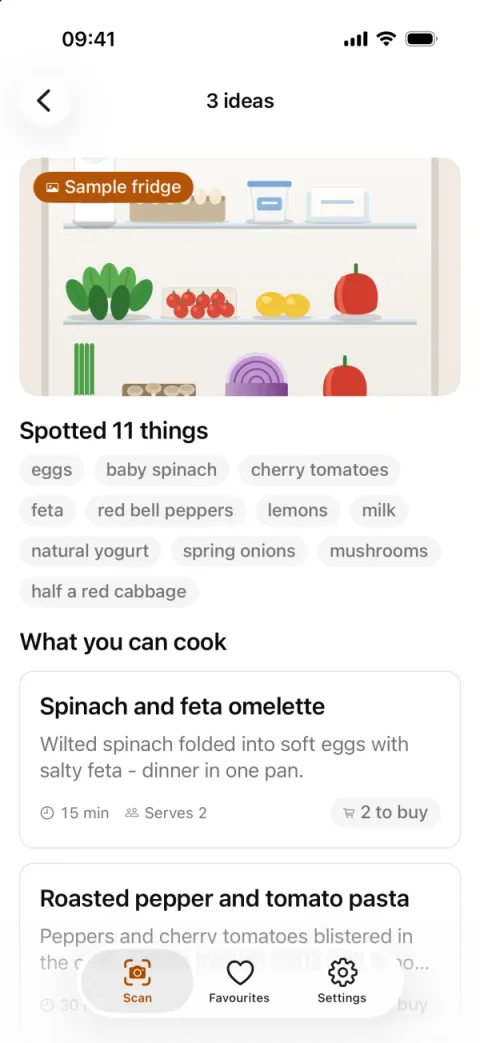
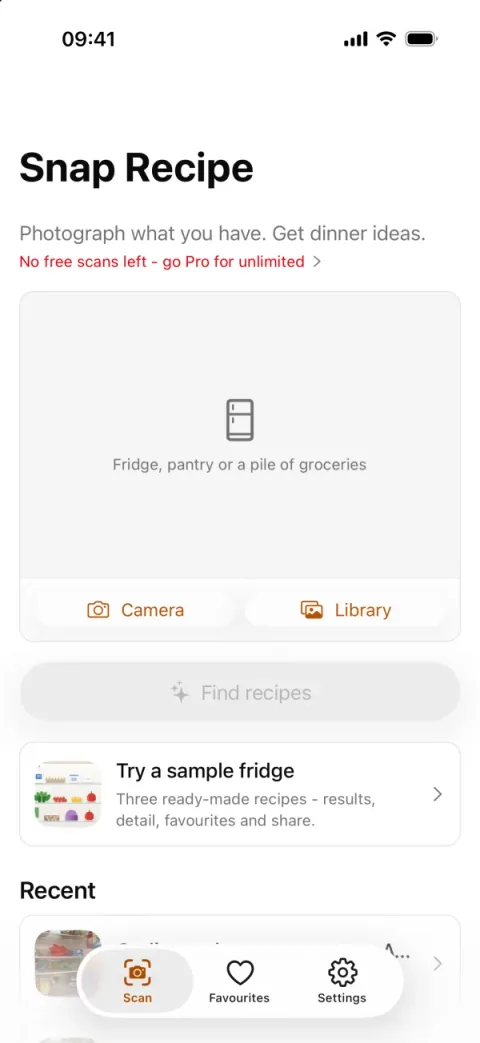
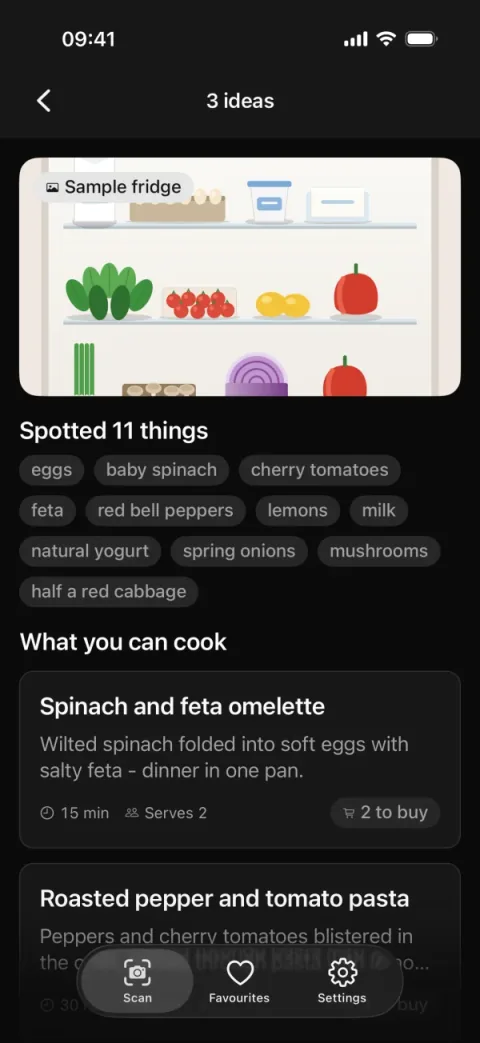
| Snap Recipe | Pro | Onboarding, the sample fridge, favourites and settings. A photo scan needs an iPhone dev build. | Store and card payments, sign-in, the API URL, analytics and crash reports. |
Weather
The first-run demo: your forecast, on the Home Screen too.
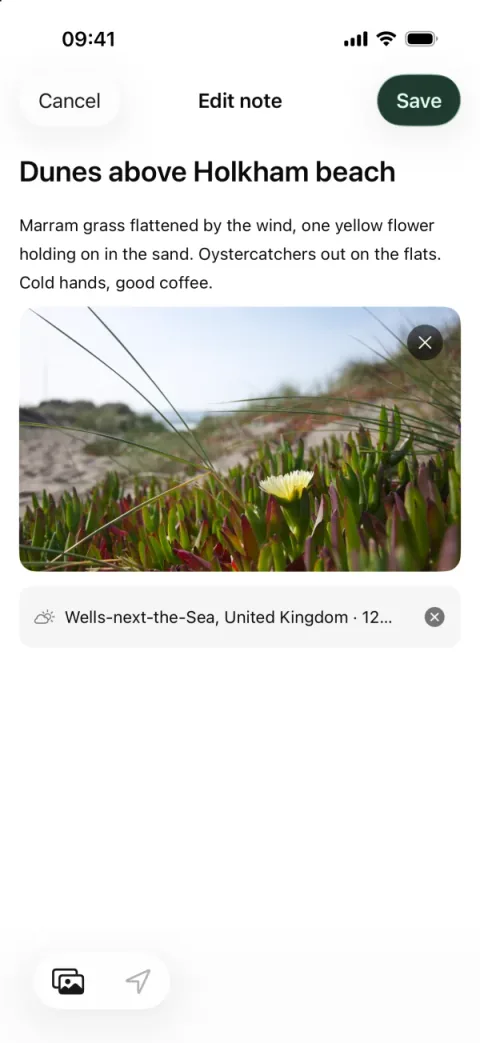
Field Notes
A private, local-first journal that syncs once you sign in.
Snap Recipe
Photograph your fridge; get recipes for what is already in it.
Which tier ships what
- Free: none of these. The free tier is the fixed stack on GitHub, with no weather demo and no examples folder.
- Starter: the weather demo, in the app itself, on first run.
- Pro: the weather demo, plus the
examples/folder with Field Notes and Snap Recipe, plus the Expo Push desktop app.
Prices and the full comparison are on the pricing section.
How the standalone examples are laid out
Field Notes and Snap Recipe each live in their own folder with a package.json, a lockfile and an .env.example. Nothing in your app imports examples/, so you can delete it whenever you like.