Screens
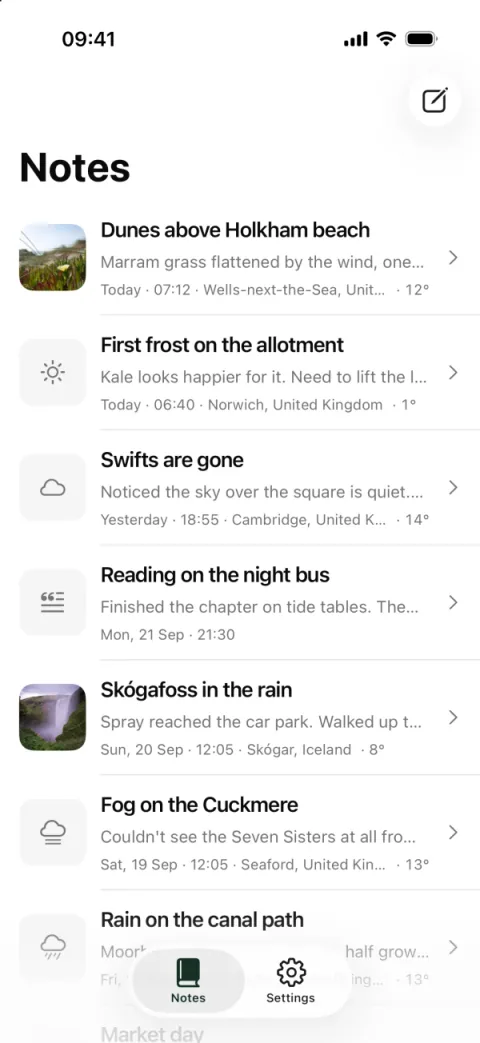
Notes 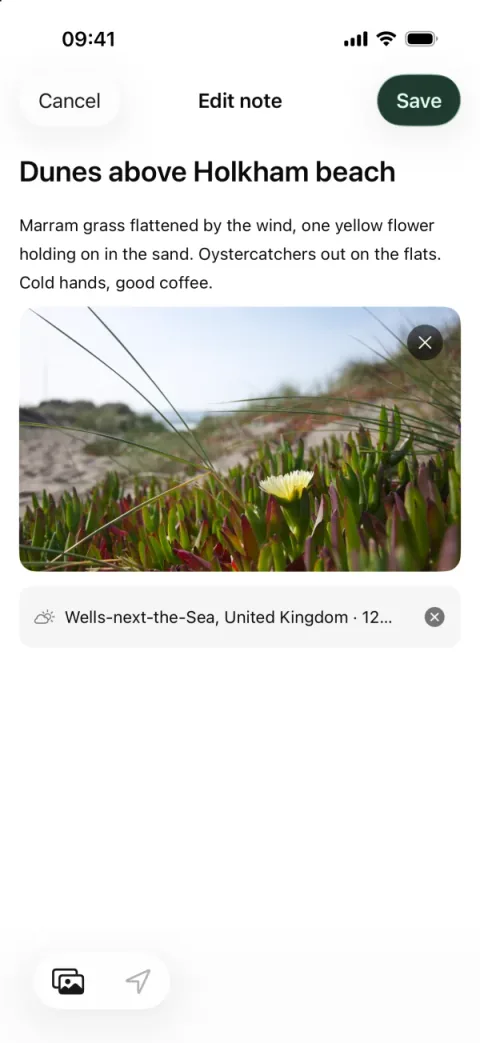
Editing a note 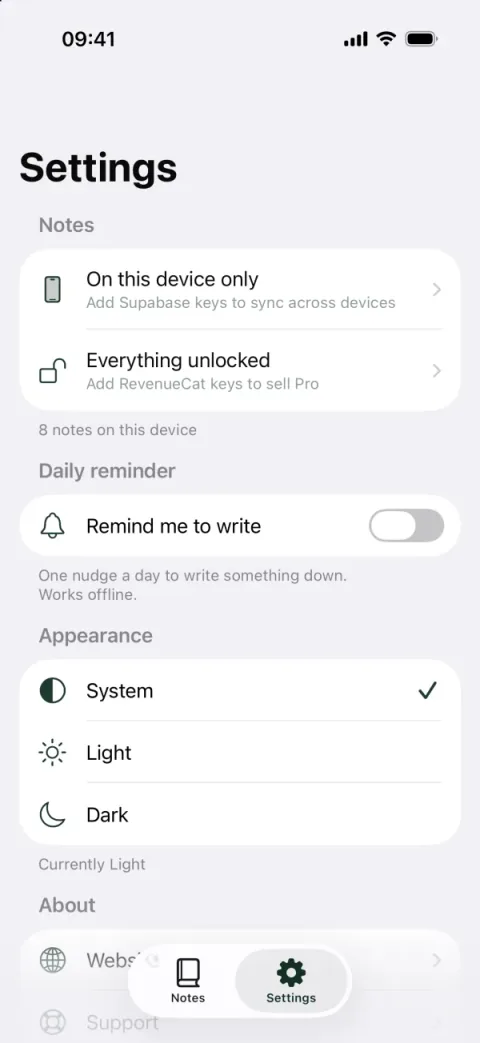
Settings 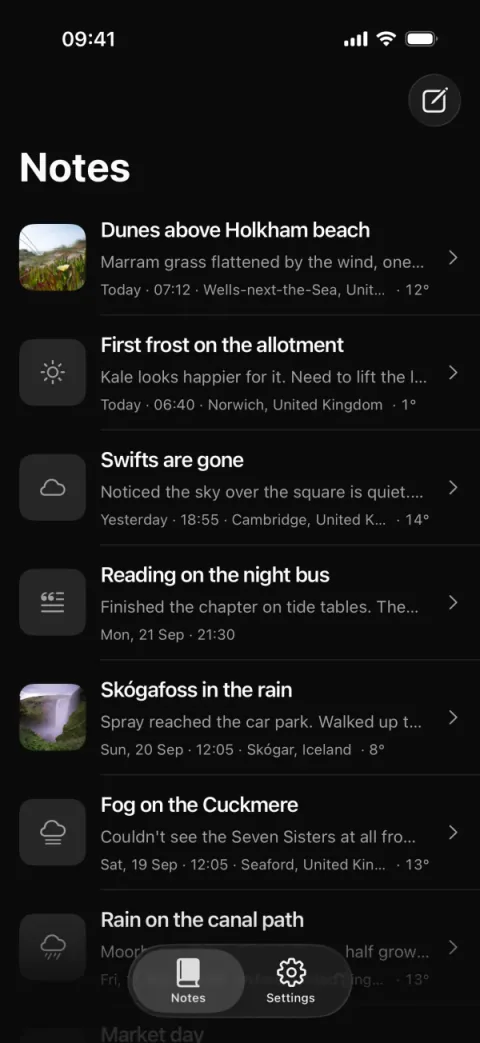
Notes, dark 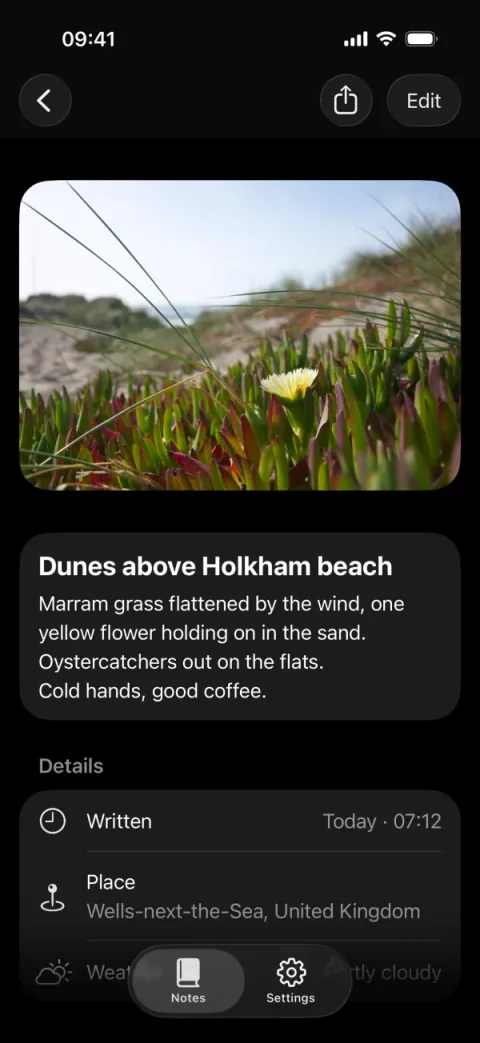
A note, dark 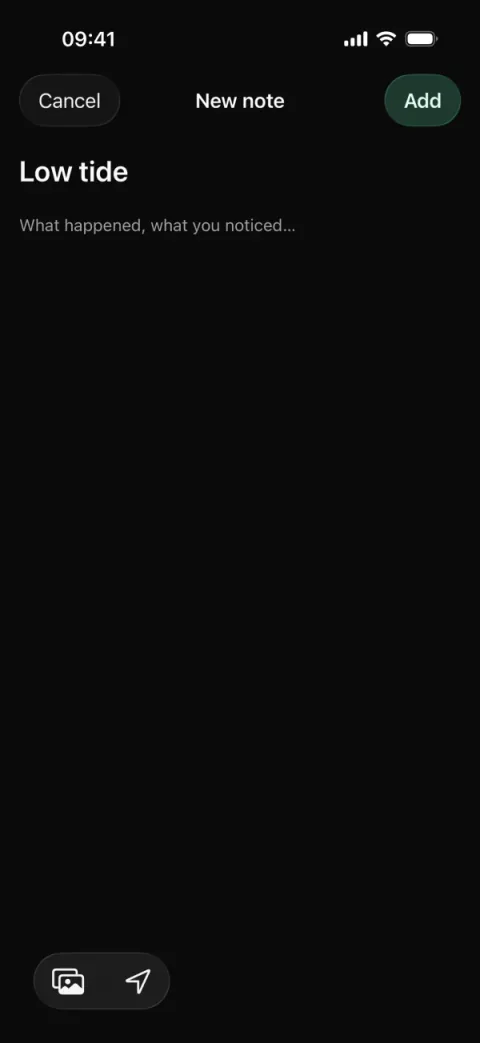
New note, dark
What it is
One note per moment: a title, a few lines, optionally a photo, and where you were. The Where I am stamp adds the place name (expo-location reverse geocoding) and the weather at that time (Open-Meteo), both keyless.
Sync is a pure function: last-writer-wins on updatedAt, with tombstones for deletes, unit-tested in src/features/entries/merge.ts. Supabase push and pull run on sign-in, on foreground and after edits (src/lib/sync.ts).
The notes live in a zustand store persisted on the device (src/stores/entries.ts). The table and its row-level security are in supabase/entries.sql.
Flows included
- First launch: the welcome screen, then the notes list, empty, with "Write the first one".
- Write a note: a title and a body, then Add in the top bar. The footer counts it as "1 note".
- Open a note and edit it on its own screen, or delete it with a swipe on the row.
- Search from the large-title list's header search bar.
- Add a photo from the camera or the library. The camera appears only on a physical device.
- Where I am: tap it to stamp the note with the place and the current weather. Editing an older note stamps it again with the weather now.
- A daily local reminder at a time you pick with the native time picker. Tapping it opens a new note.
- Share a note as text. Once RevenueCat is configured, sharing is a Pro feature.
- Settings: Light, Dark or System appearance, the reminder, the Privacy switches for analytics and crash reports, "Do not sell or share", and Export my data as a JSON file.
- Accounts: sign up, sign in and reset screens. Without Supabase keys, the sign-in screens say what to add.
- Consent: a consent sheet after onboarding for users in the regions that need one. Analytics and crash reporting start only once the user consents.
- Delete account: checks the Supabase migration first, erases the user at PostHog and RevenueCat through a server route, deletes the Supabase user and wipes the device.
- Deep link:
fieldnotes://entry/<id>opens a note.
Built on
- Supabase Auth
- RevenueCat
- Expo Notifications
- PostHog
- Sentry
- Consent sheet
- API routes
- Expo Location
- TanStack Query
- Zustand
- React Hook Form
- i18next
- NativeWind 5
- Jest + Testing Library
Also in the app, with no /stack/ page: expo-image-picker for photos, @react-native-community/datetimepicker for the reminder time, and Maestro flows for end-to-end tests.
What works without keys
- Notes, photos, search, editing and deleting, the Where I am stamp, the daily reminder, sharing, theme and settings.
- The free limit is off: without RevenueCat keys nothing is capped, and the paywall says which keys turn the gate on.
- Analytics, crash reporting and remote push do nothing. The sign-in screens say that cloud sync needs Supabase keys.
Keys and credentials
| Env names | What it unlocks |
|---|---|
EXPO_PUBLIC_SUPABASE_URL, EXPO_PUBLIC_SUPABASE_ANON_KEY | Accounts and cloud sync. Run supabase/entries.sql in the SQL editor first. |
EXPO_PUBLIC_REVENUECAT_IOS_KEY, EXPO_PUBLIC_REVENUECAT_ANDROID_KEY | The Free and Pro gate: 10 notes and no export until the pro entitlement is active. Needs a current offering. |
EXPO_PUBLIC_POSTHOG_KEY, EXPO_PUBLIC_SENTRY_DSN | Analytics and crash reports, only after the user consents. |
POSTHOG_PERSONAL_API_KEY, POSTHOG_PROJECT_ID, REVENUECAT_SECRET_KEY (server only) | Account deletion also erases the user at PostHog and RevenueCat. |
Limitations
- Photos stay on the device. There is no Supabase Storage upload.
- No "choose a new password" screen: the auth module's known gap.
- No conflict screen. When two edits collide, the newer edit wins silently.
- The weather stamp is taken when you tap Where I am. Older notes are not backfilled.
- Remote push needs
eas initand a physical device. The daily reminder is a local notification and works in Expo Go. - The camera needs a physical device.
Tier
Pro only. examples/ ships with Pro alone (packages/cli/lib/tier.ts: examples on for Pro, off for Free and Starter). The pro entitlement is this demo's own paid tier. It is not the ReadyNative Pro you buy.
From the source
From examples/notes/src/features/entries/merge.ts:
export function mergeRemote(local: EntryMap, remote: Entry[]): EntryMap {
  const next: EntryMap = { ...local };
  for (const incoming of remote) {
    const current = next[incoming.id];
    if (!current || incoming.updatedAt > current.updatedAt) {
      next[incoming.id] = { ...incoming, photoUri: current?.photoUri ?? incoming.photoUri };
    } else if (incoming.updatedAt === current.updatedAt && current.syncedAt !== incoming.syncedAt) {
      // Same content both sides: just record that the server has it.
      next[incoming.id] = { ...current, syncedAt: incoming.syncedAt };
    }
  }
  return next;
}