Screens
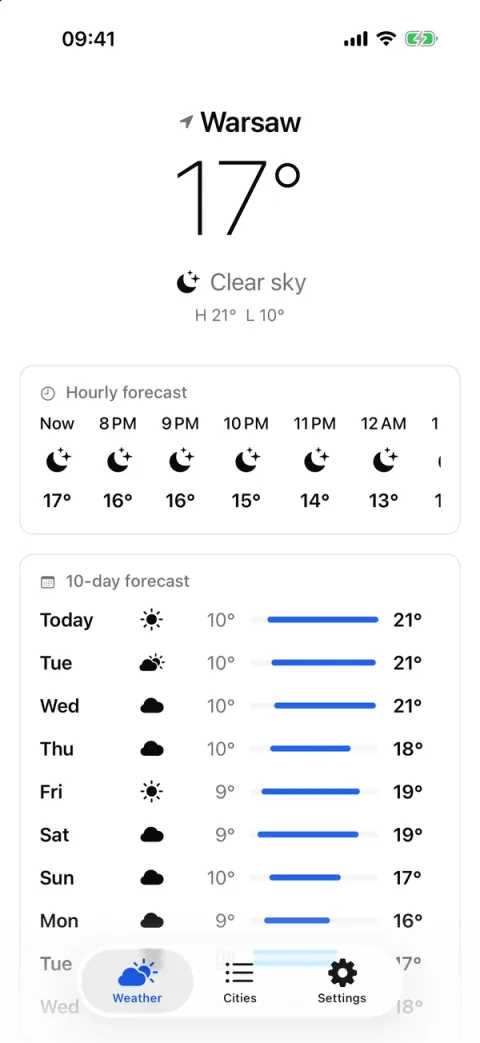
Forecast 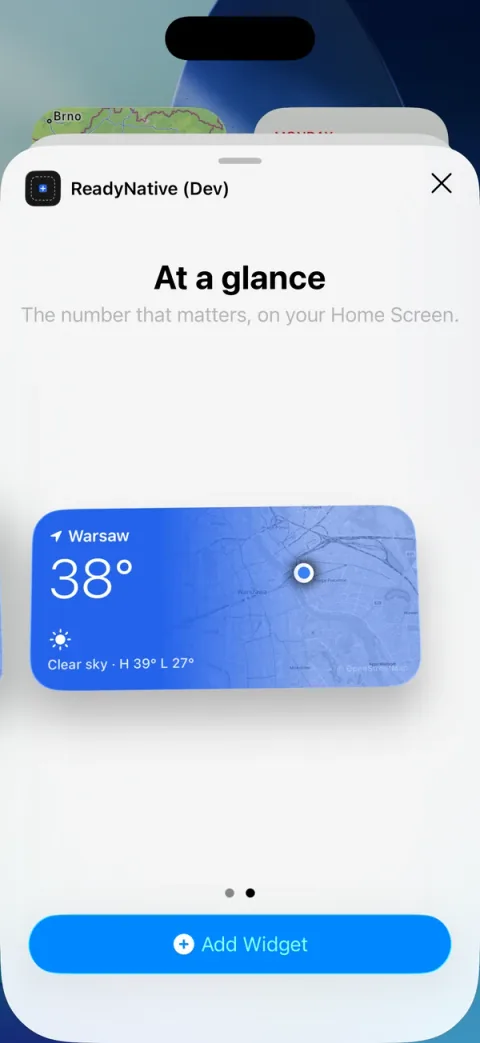
Add the widget from the iOS gallery 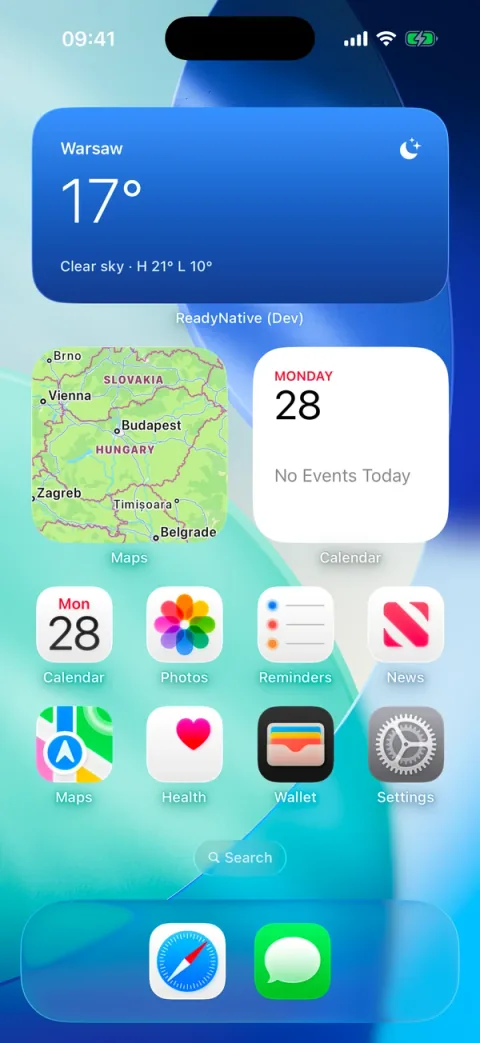
Home-screen widget 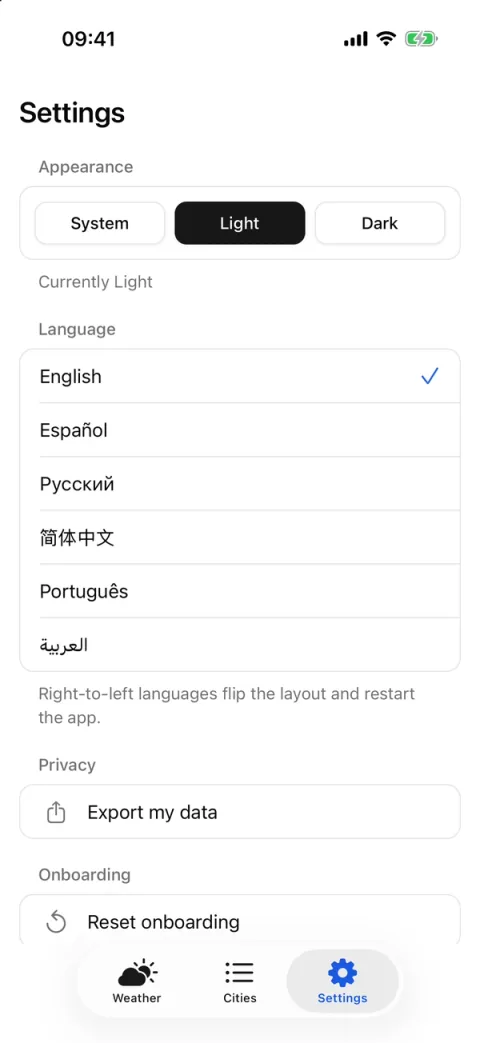
Cities 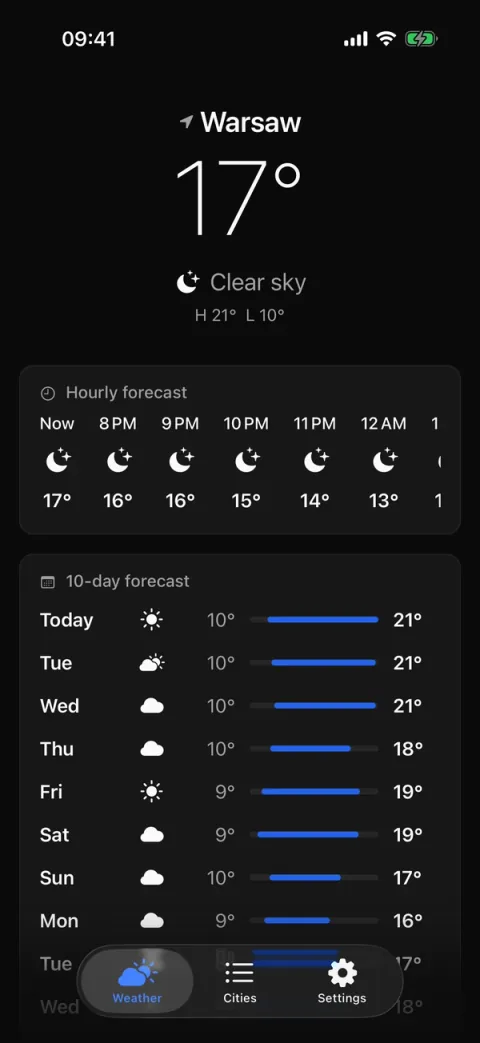
Forecast, dark 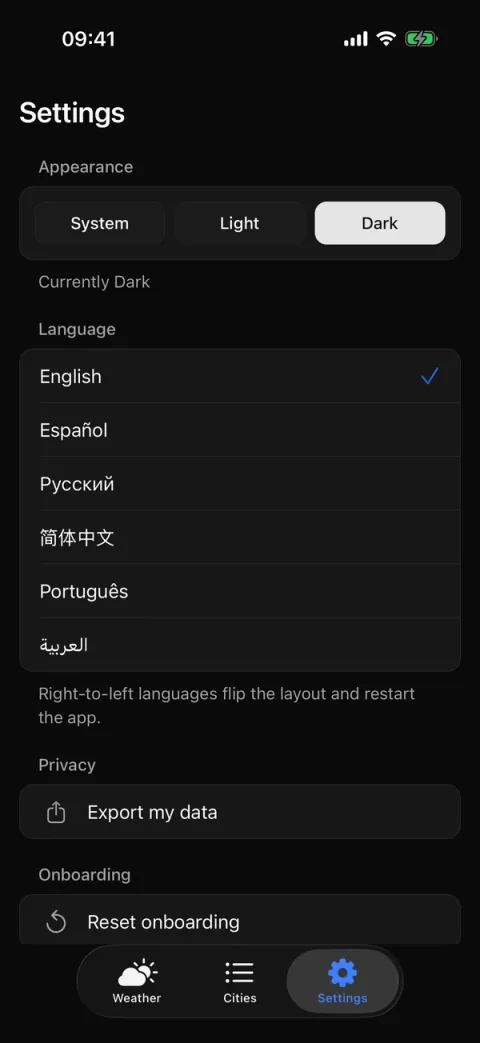
Settings, dark 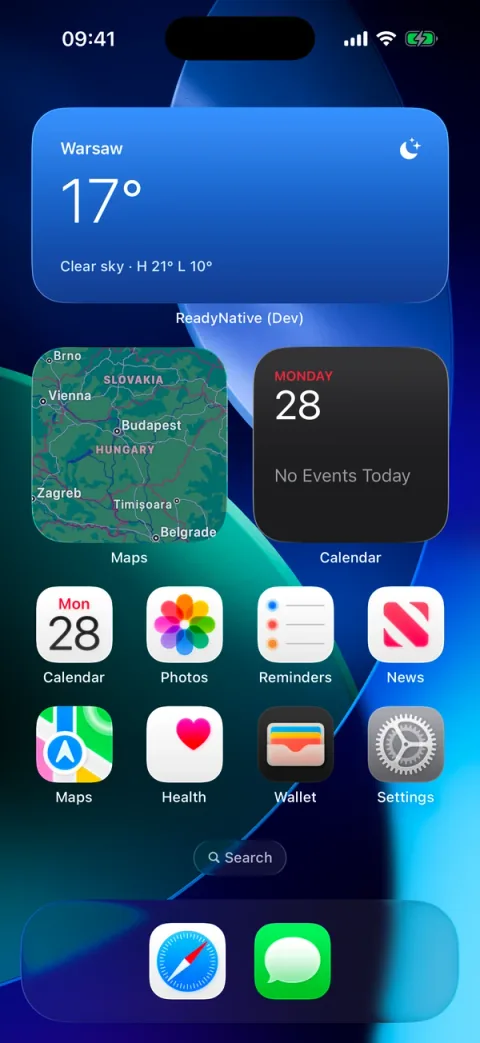
Widget, dark
What it is
Starter and Pro open on this app, so the first bun ios shows the modules working together instead of an empty screen.
It is demo content. bun run setup removes the weather screens and leaves a plain welcome screen; --with-examples keeps them.
The screens are in src/screens/weather/, the Open-Meteo client in src/lib/weather/, the forecast hook in src/hooks/use-forecast.ts, and saved cities and units in src/stores/weather.ts.
Flows included
- Forecast for where you are: an hourly strip for the next 24 hours, a 10-day list with range bars, and pull to refresh.
- No location permission: the home tab shows "Location is off" with a button to Settings, and a saved starter city instead.
- Tap a day for its details in a native half-height sheet.
- Offline: the last saved forecast shows on the first frame, with the label "Offline · saved <time>".
- Cities: search Open-Meteo's geocoder from the header search bar, in the app language. "No cities found" and "City not found" are the empty states.
- Add a city and tap it for its forecast. Remove one from the iOS context menu, or long-press it on Android and web.
- Units: °C or °F from the device region, switched with "Use Fahrenheit" under the city list.
- Share the current forecast as one line of text.
- Show on Lock Screen starts a Live Activity, and Remove from Lock Screen ends it. It needs iOS with Live Activities turned on.
- The home-screen widget "At a glance" (iOS) shows the number that matters, and it updates with the forecast.
- Notify me schedules a test notification in 5 seconds. The button appears only with the push module, which is in Pro.
- Settings: light, dark or system appearance, and a data export.
- Six languages: English, Spanish, Russian, Chinese, Portuguese and Arabic. Arabic mirrors the layout on a dev build.
Built on
The demo's UI uses the @/ui primitives only, so it renders the same on every UI option. The saved cities go through the storage module, not a state library.
What works without keys
- The whole demo: the forecast, city search, units, sharing and the widget. Location is an OS permission prompt, not a key.
- The widget and the Live Activity need an iOS dev build, which is a build step, not a key.
Keys and credentials
Nothing. This example needs no credential to run.
Limitations
- The widget and the Live Activity need an iOS dev build, and are iOS only. Expo Go runs the rest.
- Right-to-left layout needs a dev build: Expo Go resets the layout direction, so Arabic text shows but the layout stays left-to-right.
- The free-plan limits (3 saved cities, 3 forecast days) apply only when a payments module is installed. With
--payments none, nothing is locked. - Notify me needs the push module. The context menu on city rows is iOS only.
- Open-Meteo is free without a key under CC BY 4.0. Keep the credit line under the forecast if you keep the API.
Tier
Starter and Pro. The free tier has no weather demo: its fixed stack pins location and widgets to none (FREE_SELECTION in packages/cli/lib/tier.ts), and it ships no examples folder.
From the source
From apps/template/src/lib/weather/api.ts:
async function getJson<T>(url: string, signal?: AbortSignal): Promise<T> {
  const response = await fetch(url, { signal });
  if (!response.ok)
    throw new WeatherError(`Open-Meteo answered ${response.status}`, response.status);
  return (await response.json()) as T;
}